How to handle variants and out-of-stock products in Meta catalog ads
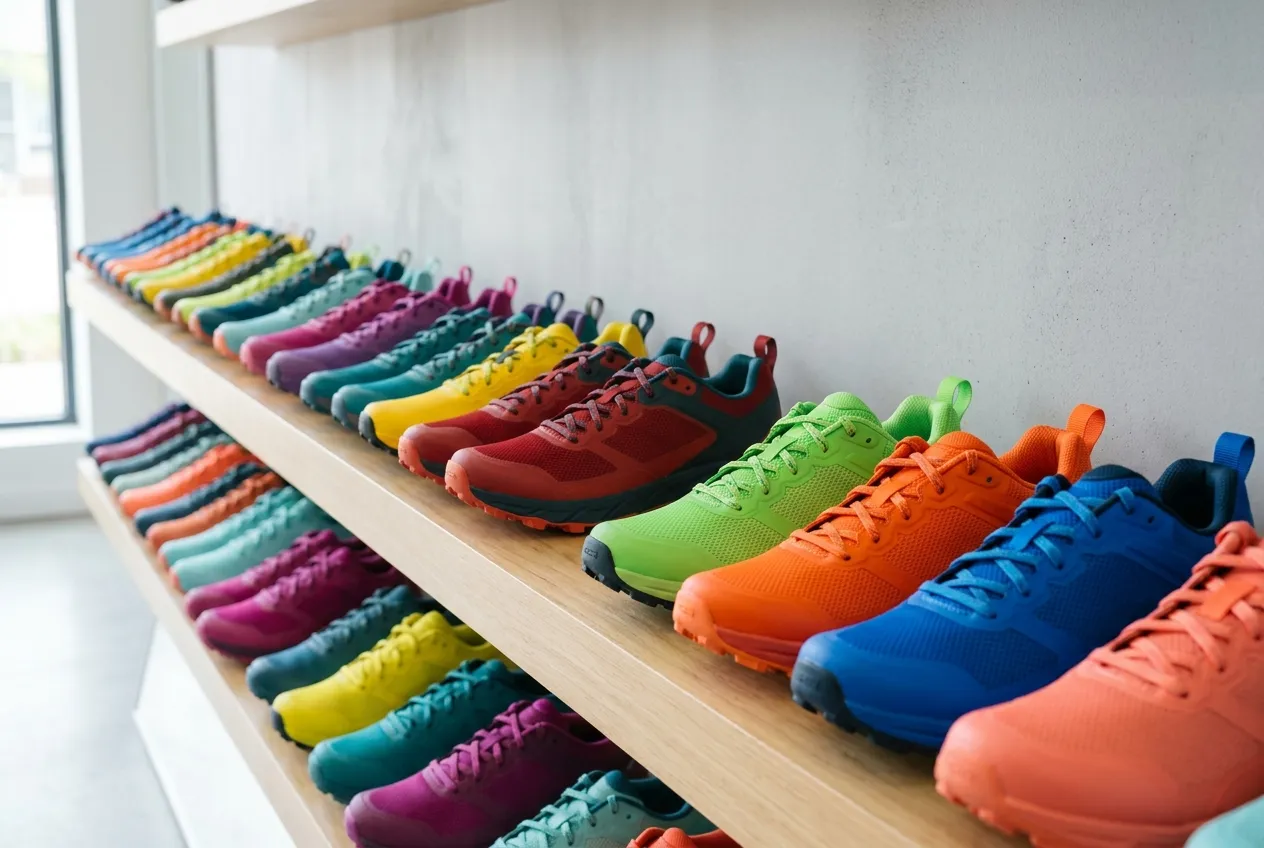
Size M sold out on Tuesday. The ad for it ran all week. Or the opposite happened. One size sold out and the whole product vanished from your ads, all forty colors of it.
Both problems start in the same place, and it is not Meta Ads Manager. It is how your product feed describes sizes, colors and stock. Here is what Meta needs from the feed, and how to get there without a new export from the store.
Why Meta treats forty colors as one product
Meta advertises catalog items. One row in your feed is one catalog item. If your store exports a sofa as a single row with forty colors listed inside it, Meta sees one sofa. It has one price, one image and one stock status for all forty.
That is why a shopper who looked at the green one gets an ad showing the grey one. And it is why stock can only be right or wrong for the whole family at once.
Give every size and color its own catalog item
The fix is one row per thing a shopper can actually buy. Each row carries:
- Its own ID, usually the variant’s SKU. Two variants with the same ID collapse back into one item.
- Its own price, availability and image. The green sofa shows the green sofa.
- Its own link, landing on the product page with that size or color already picked.
- Its size and color in the
sizeandcolorfields. - A shared
item_group_id, the same value on every variant of the product. It tells Meta these rows are one product with options, not forty unrelated listings.
Let a sold-out size drop out by itself
Once each size is its own item, stock takes care of itself. Meta leaves items marked out of stock out of your catalog ads. The other sizes keep running.
Do not delete sold-out rows from the feed. Keep the row and flip its availability. The item stays in your catalog, and its ad starts again when the stock comes back.
Use the exact values. in stock, out of stock, preorder or backorder. A stock count like “0” or a “no” is not a valid value, and a product without a valid value can be rejected.
How do I bring a product back when it is in stock again?
You don’t. The feed does. When the availability flips back to in stock, the ad starts again by itself. So the real question is how long the news takes to travel. There are three hops.
- Store to feed. How often does your store rebuild its feed? Many plugins default to once a day. Set it to hourly if you can.
- Feed to Meta. In Commerce Manager, open the catalog’s data source and set the scheduled fetch to hourly.
- The right stock number. If live stock sits in a warehouse or supplier system, the store’s own feed may be a day behind it. Join the warehouse feed in, matched on GTIN or SKU, so availability follows the real count.
When to go the other way and advertise one variant
Splitting is right when variants look different or sell out separately. It is wrong when your feed has eight rows for the same white T-shirt in eight sizes. They share one image, so you are advertising the same picture eight times.
For those, keep one row per product. The cheapest variant is the usual pick, since its price is the one you want in the ad. Make sure the row you keep has a stable ID, so it stays the same item when another size becomes the cheapest.
Do all of it without touching the store
Store plugins rarely let you reshape variants, and a new export from a developer can take weeks. Renable sits between your store and Meta. It imports the feed you have, re-reads it every hour and sends Meta the fixed version.
- Split into variants. One rule turns a row that lists its sizes or colors into one product per variant. Each variant gets its own ID from its own SKU. Renable stops you from publishing a split where variants would share an ID.
- Turn stock counts into availability. A rule sets in stock when the count is at least 1, and out of stock otherwise.
- Join a warehouse or supplier feed. Matched on GTIN or SKU, and joined again on every import.
- Group products. Keep one product per family, the cheapest one, with an ID that stays put when prices move.
Or say it in a sentence. Aimée, the AI agent inside Renable, drafts the rules. Nothing changes in your ads until you publish.
Aimée
Split my feed into one product per size. Use the variant SKU as the ID.
Drafted: Split into variants
One product per size
ID from each variant’s SKU
Trail Runner 300: 9 sizes, 2 out of stock
Two things to know. A feed can be split once, so for every size and color combination, split on the column that already lists each combination. And every variant counts as one feed item on your plan.
No feed yet? Start here: How to export a product feed from Shopify, WooCommerce, Magento and BigCommerce
Is your feed still advertising sold-out sizes?
Connect your feed and ask Aimée how your variants and stock look. Every account starts with a 30-day free trial.