CriteoRetargeting that shows the right price
Criteo builds its own banners from your catalog, so the catalog is the whole ad. Renable sends Criteo the price pair the way Criteo reads it, stock that is current when the shopper comes back, and clean cutouts of the images you process.
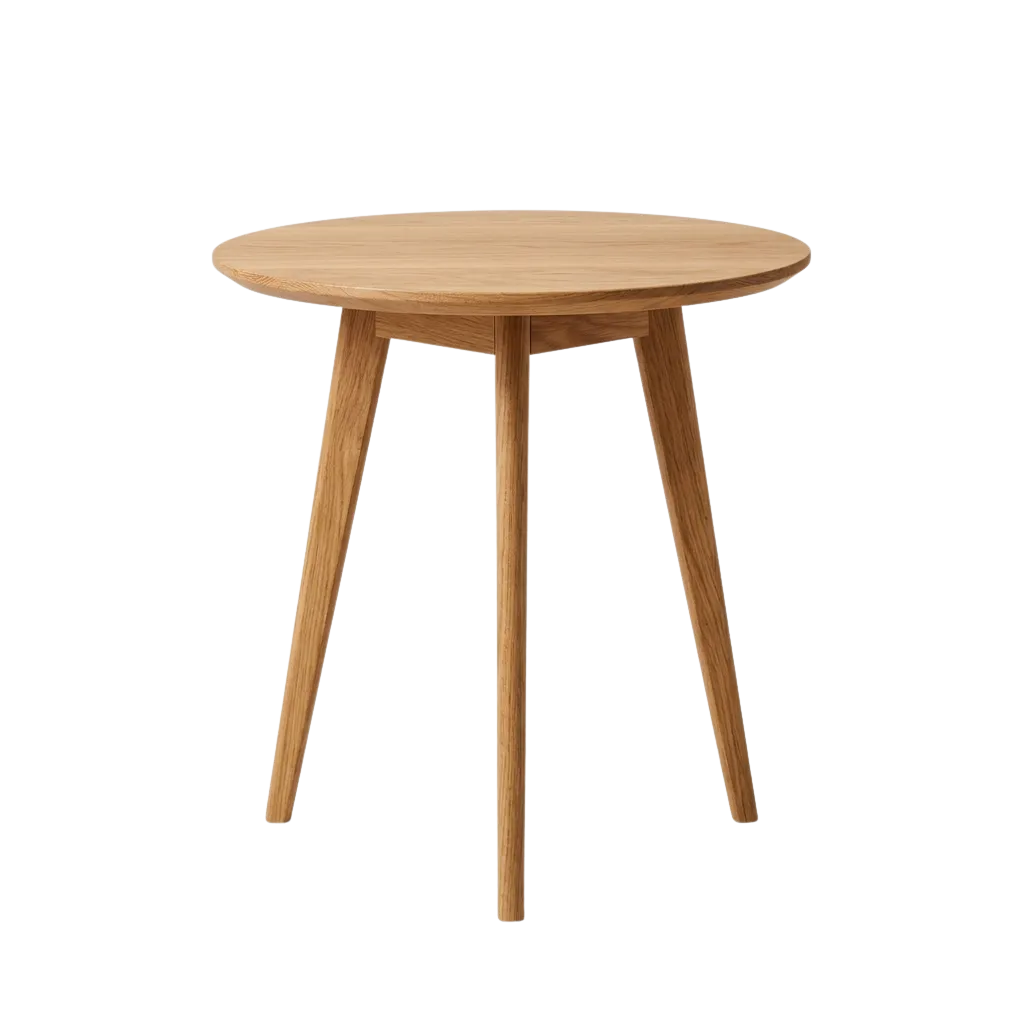
Aspen Side Table — Solid Oak
$199$249
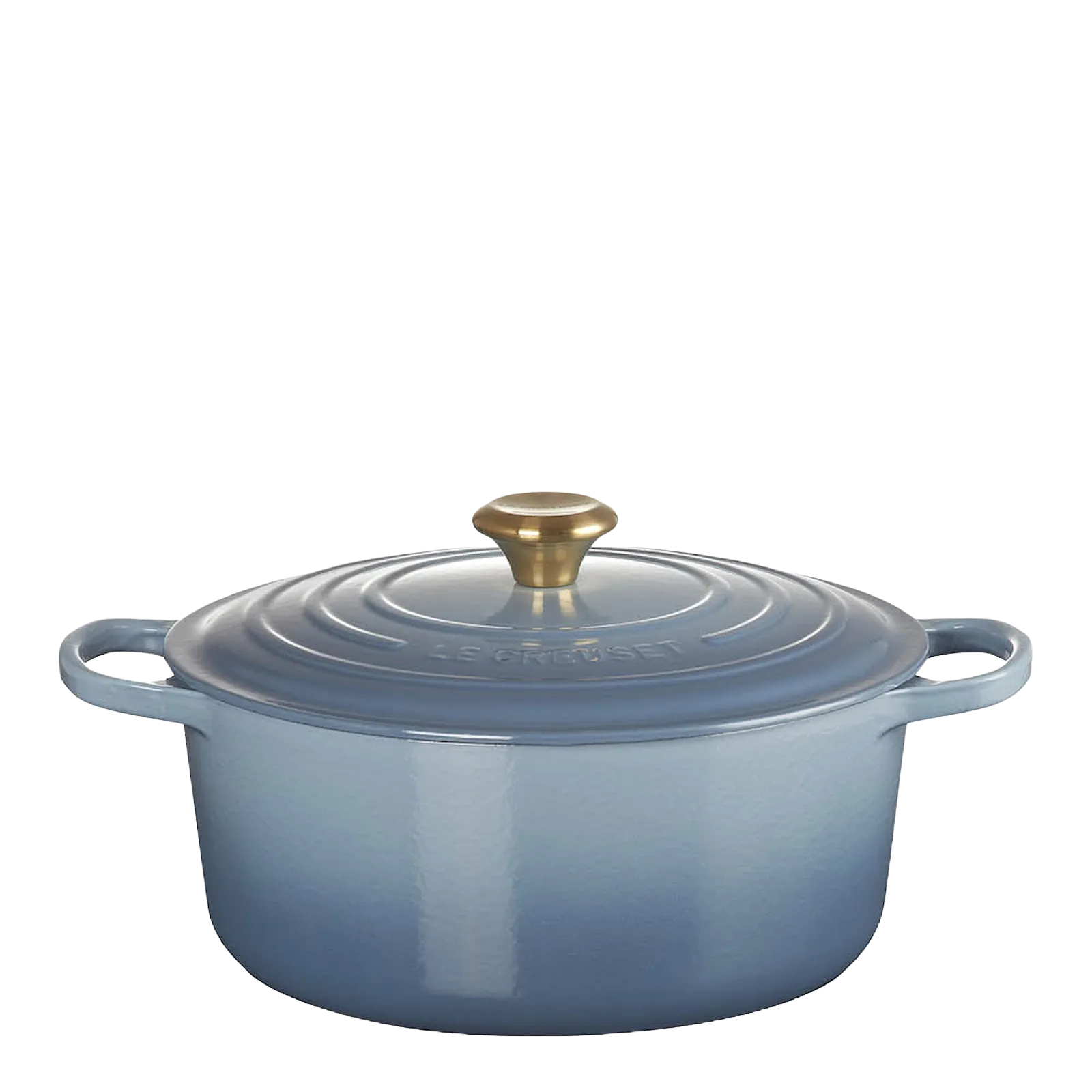
Le Creuset Signature Round Dutch Oven 28 cm
$469
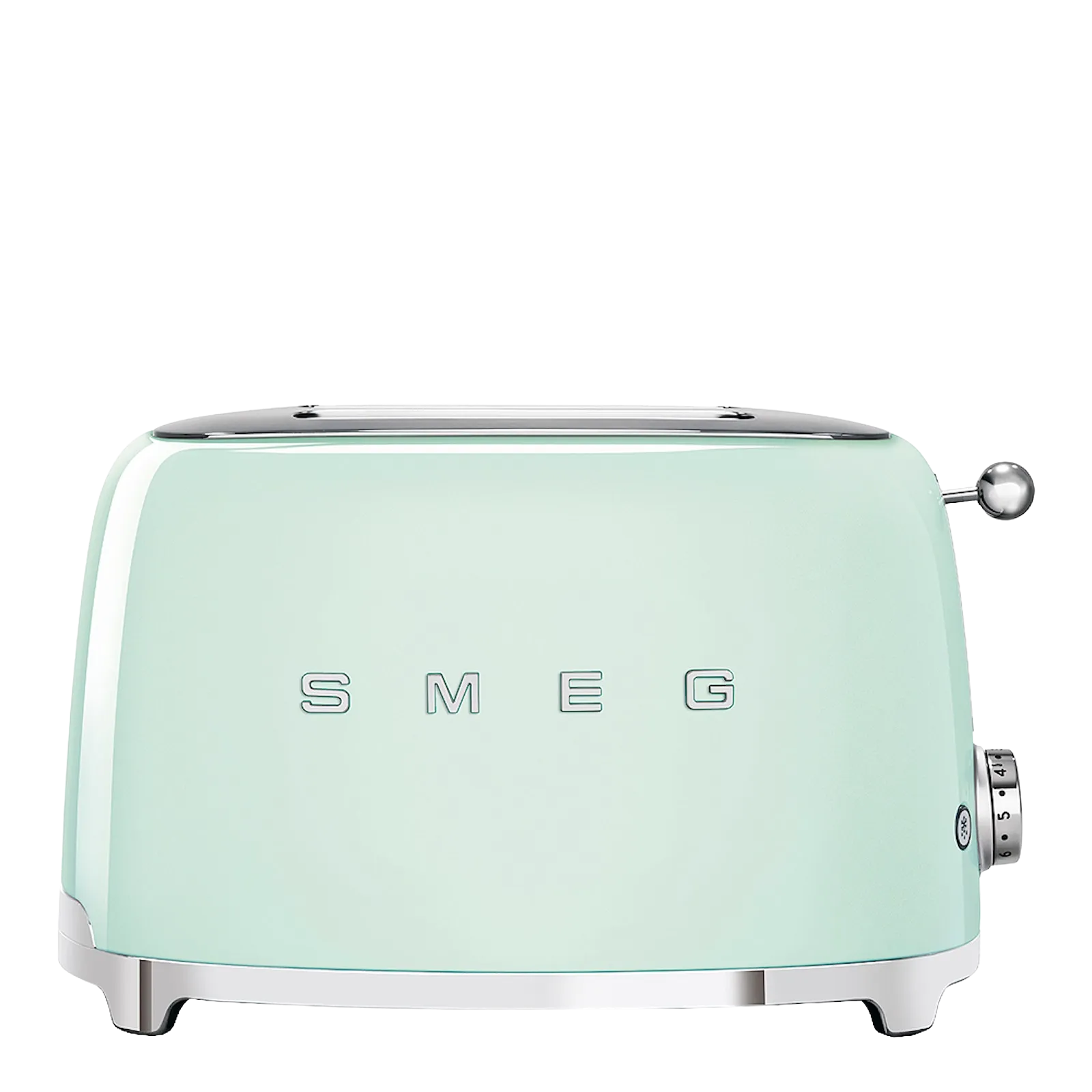
Smeg TSF01 Two-Slice Toaster
$169$199
Criteo’s own layout, built from the catalog Renable sends. Simplified, for illustration.
The one that costs moneyCriteo’s price fields run the other way
In Criteo’s catalog, price is what the shopper pays after the discount, and retailprice is the regular price before it. Google has it the other way round. Copy a Google mapping name for name and every sale item goes out at full price. Nothing errors. The banners just quietly ask for more than you charge.
Renable binds the pair the way Criteo reads it from the start. Price carries your selling price, retailprice carries the regular one, and when there is no discount both show the same number. Your Google feed stays exactly as it is.
Aspen Side Table on offer. Simplified view of the channel’s price mapping.
Criteo makes the banner. You make it worth showing
No template rides this channel. Criteo drops your product photo and your copy straight into its own layouts, so what you send is what the shopper sees.
The photo is the ad
Process your images and bind Product image, and the photo reaches Criteo with the background removed and the crop cleaned, at the 800×800 minimum it asks for. A tidy cutout composites well. A cluttered pack shot does not.
Short copy fits
Criteo prints a short description in a banner. Renable binds the short version of each product’s AI copy here, plain text with no HTML, inside the lengths Criteo takes.
Brand may be Generic
Criteo calls brand optional for products without a clear one. Renable fills it with Generic where your data has nothing, so no product is held back for a missing brand.
OneTagThe tag on your store and the ids in your feed have to agree
Criteo’s OneTag sits on your product, cart and order pages and reports which product ids a shopper looked at. Criteo joins those ids to your catalog. The better the two match, the better the retargeting. Criteo asks for over 80 percent and says under 60 hurts the campaign.
The tag is Criteo’s and lives on your store, so Renable cannot see it. What Renable does is keep the feed side right: ids in plain letters and digits with no quote marks, one per variant, and never changed once they are live. Criteo keys its reporting to them.
Reported in Criteo’s Management Center, not in Renable.
Product id
Where you sign up depends on where you sell
US and UK
Criteo GO is self-serve, as of mid-2026. Open an account, add the feed URL Renable hosts, and install OneTag.
Everywhere else
In the Nordics and the rest of Europe, Criteo’s team sets the account up under a contract. A sales conversation, not a form. Bring the feed URL to it.
On Shopify
Criteo’s own app syncs your feed and installs the tag. A Renable channel on top adds the short copy, the right price pair and cutouts of the images you process.
“Why do my Criteo ads show the wrong price?”
The feed is the only product truth Criteo has. When a banner is wrong, the cause is in the file, and Renable finds it before Criteo’s next fetch.
The warning as it appears on the channel, for illustration.
Aimée
Why is the Aspen Armchair showing the wrong price on Criteo?
This channel was mapped like your Google feed. Price carries the regular price, 249.00, and retailprice is empty. Criteo reads price as the price after the discount, so the banner prints 249.00 with no saving. 96 products on offer are affected. I’ve rebound the pair.
Updated mapping · price and retailprice
SetupA Criteo channel ready before the contract is signed
Tell Aimée which client and she drafts the Criteo channel from the catalog you already have. The price pair the way Criteo reads it, short descriptions, cutout photos, ids Criteo can key on, and four fetch times a day. Nothing goes out until you publish.
Then it is one paste into Criteo’s Management Center. Renable hosts the file at a stable URL and Criteo comes and gets it. Whenever it fetches, the prices and stock are the ones on the store.
Aimée
Add Criteo retargeting for Pinecraft. Their feed is already in here. They sign the Criteo contract next week.
Drafted a Criteo channel · 1,208 products
Publish and I hand you the feed URL for Criteo’s Management Center. OneTag is Criteo’s to install on the store, and the id match rate shows up in Criteo once it runs.
Criteo’s Management Center runs the campaigns, and OneTag is Criteo’s. Renable’s job is the catalog they run on.
Renable is priced per feed item your rules keep, and the Criteo channel is included. Criteo’s media is billed by Criteo. See pricing
Criteo catalogs, answered
Do Renable’s ad templates show in Criteo banners?
Can I send product video to Criteo?
We are on Shopify. Do we still need a Renable channel?
What happens if OneTag ids don’t match my feed?
What does it cost?
Bring the shopper back to the right price
Connect your feed, draft the Criteo channel, and paste one URL into Criteo. Free for 30 days, on the 500-feed-item plan.