PinterestProduct Pins that belong on the board
People come to Pinterest planning a purchase. A flat pack shot in a column of tall lifestyle images gets scrolled past. Renable renders a tall, styled image for every product at Pinterest’s 1000×1500 size and publishes the catalog behind Product Pins, Shopping ads and Collections.
 Copperleaf
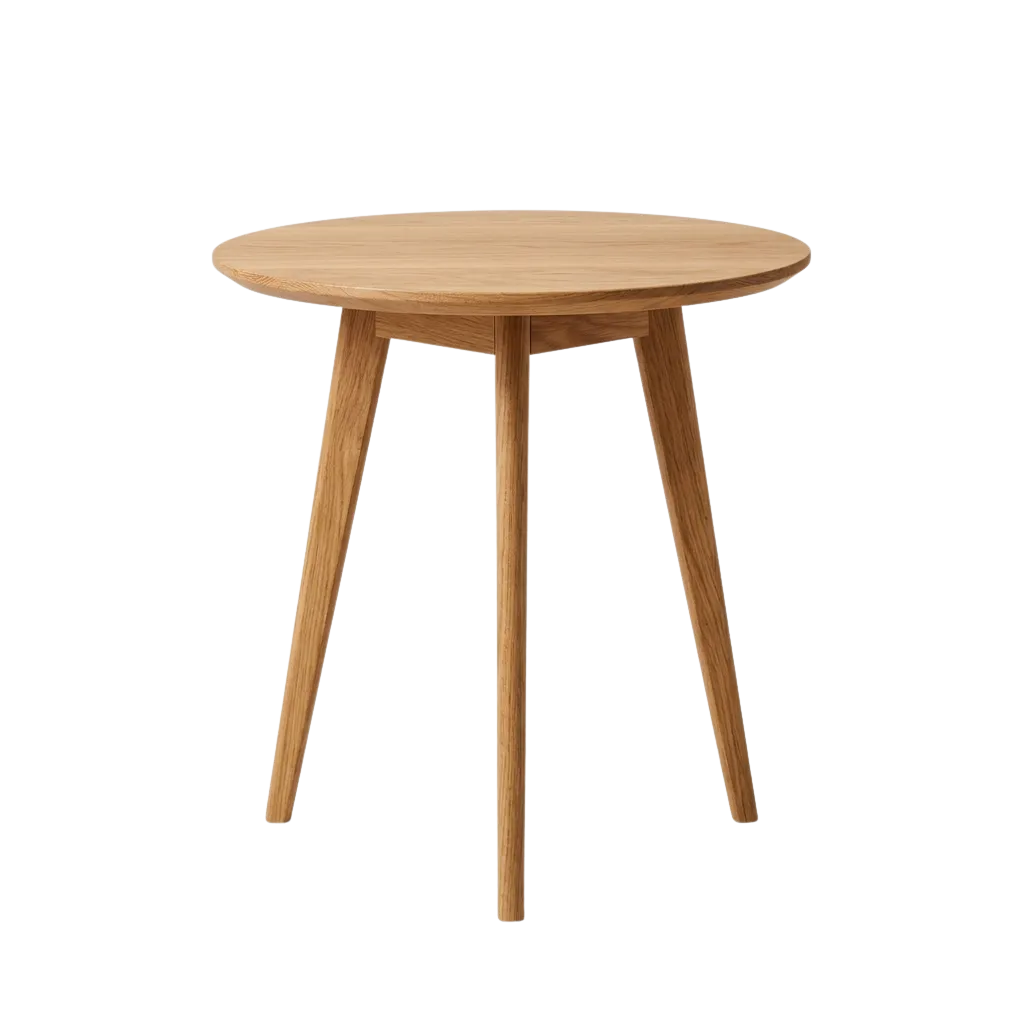
Aspen Side Table — Solid Oak
$249 · Copperleaf
 Copperleaf
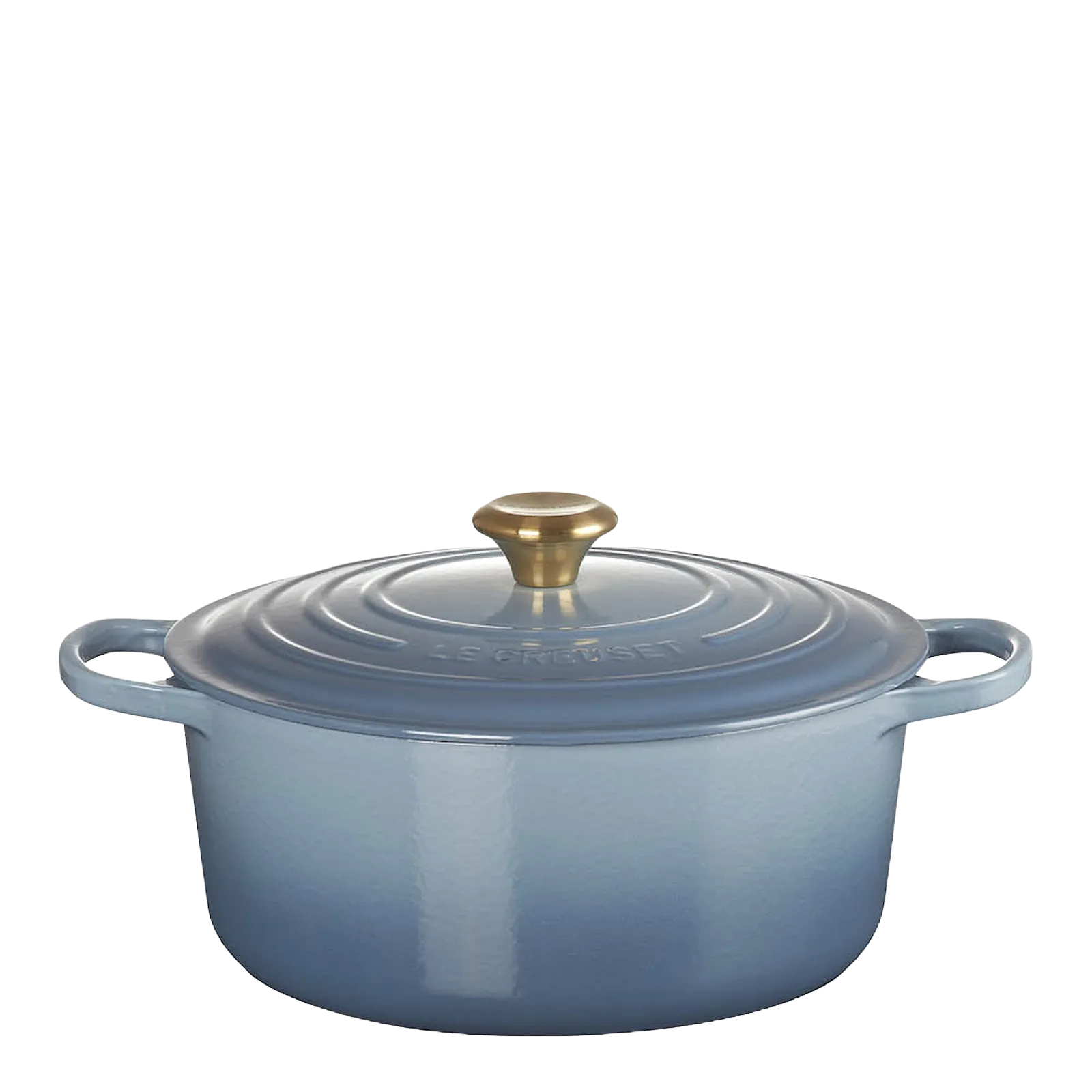
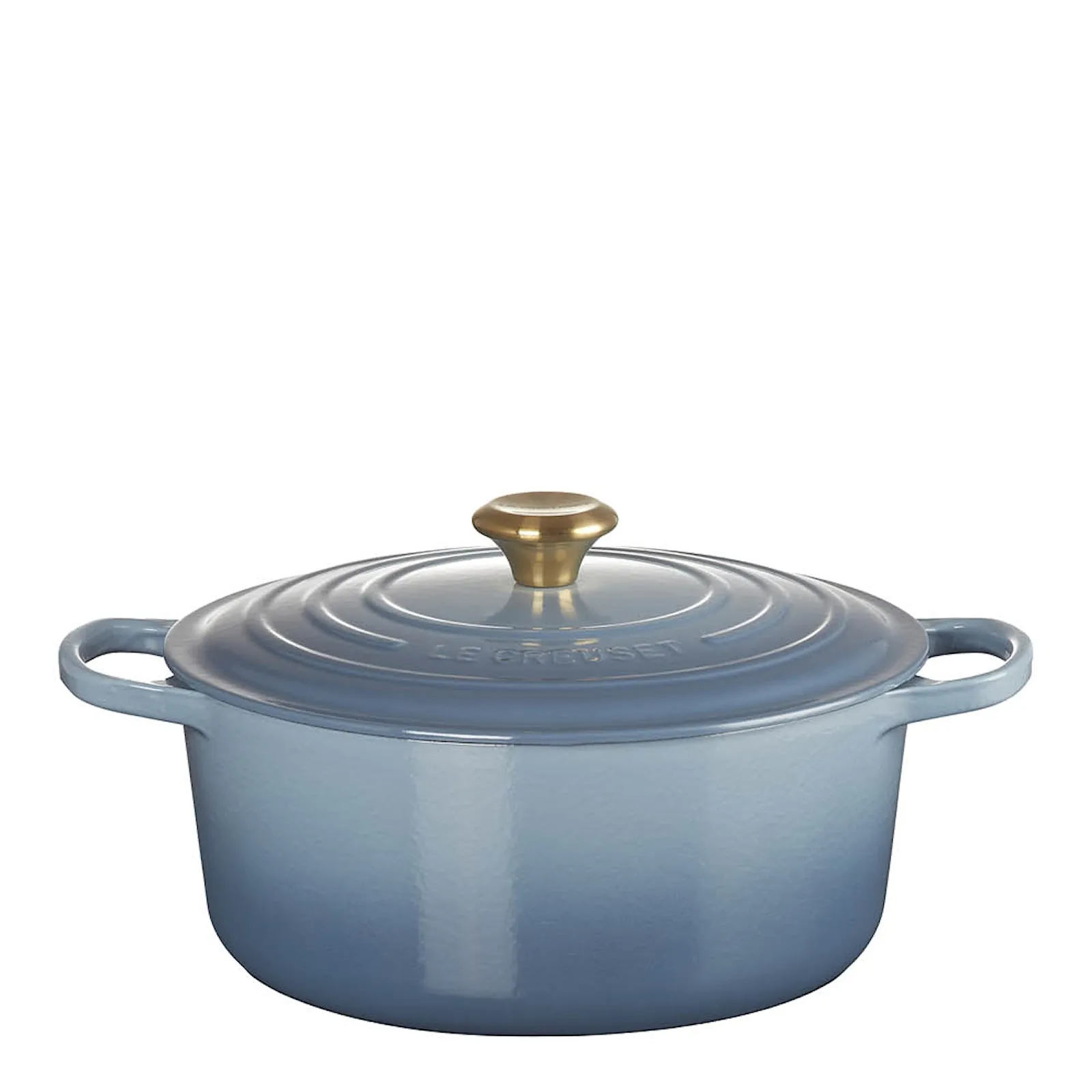
Le Creuset Signature Round Dutch Oven 28 cm
$469 · Copperleaf


 Copperleaf
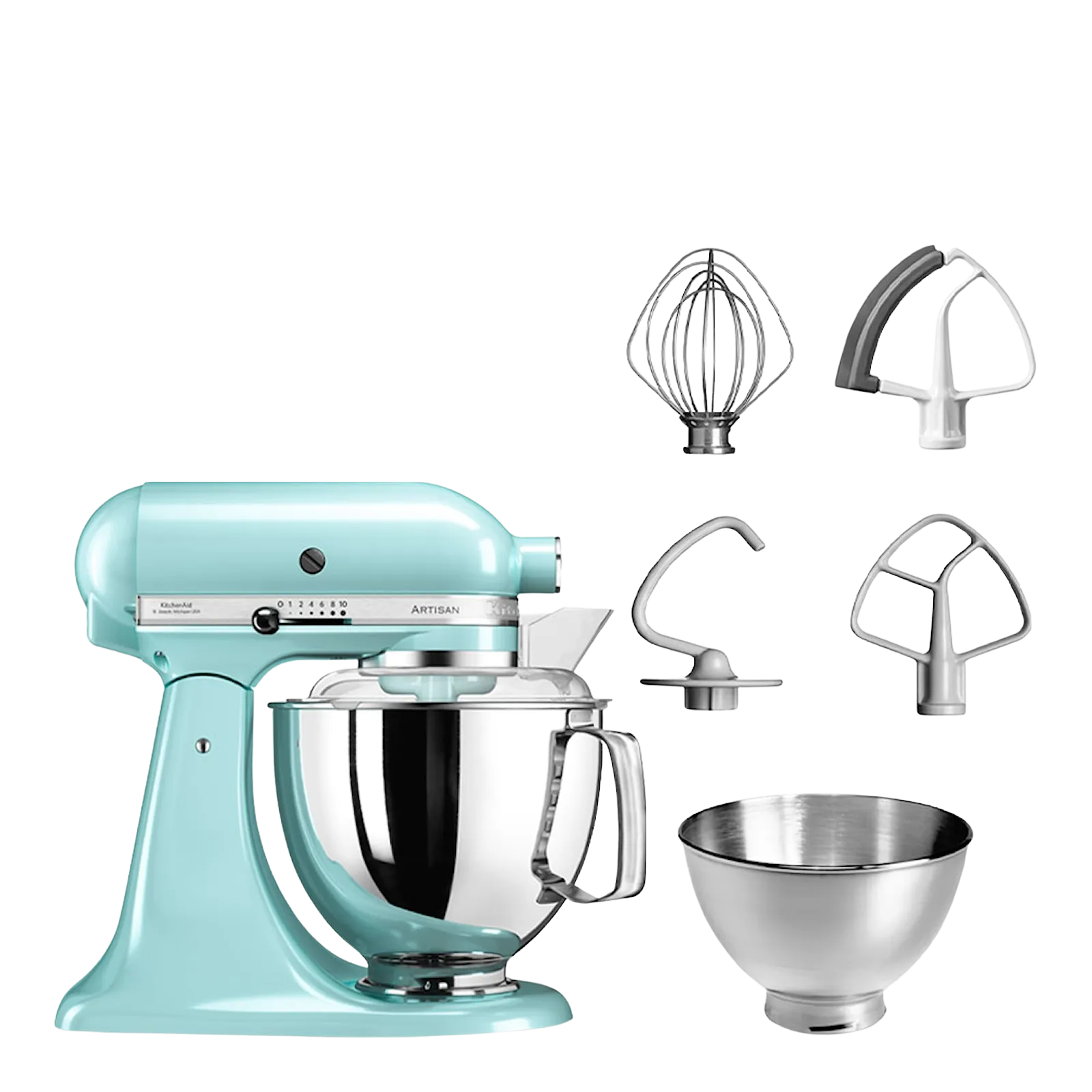
KitchenAid Artisan Stand Mixer 4.8 L
$749 · Copperleaf
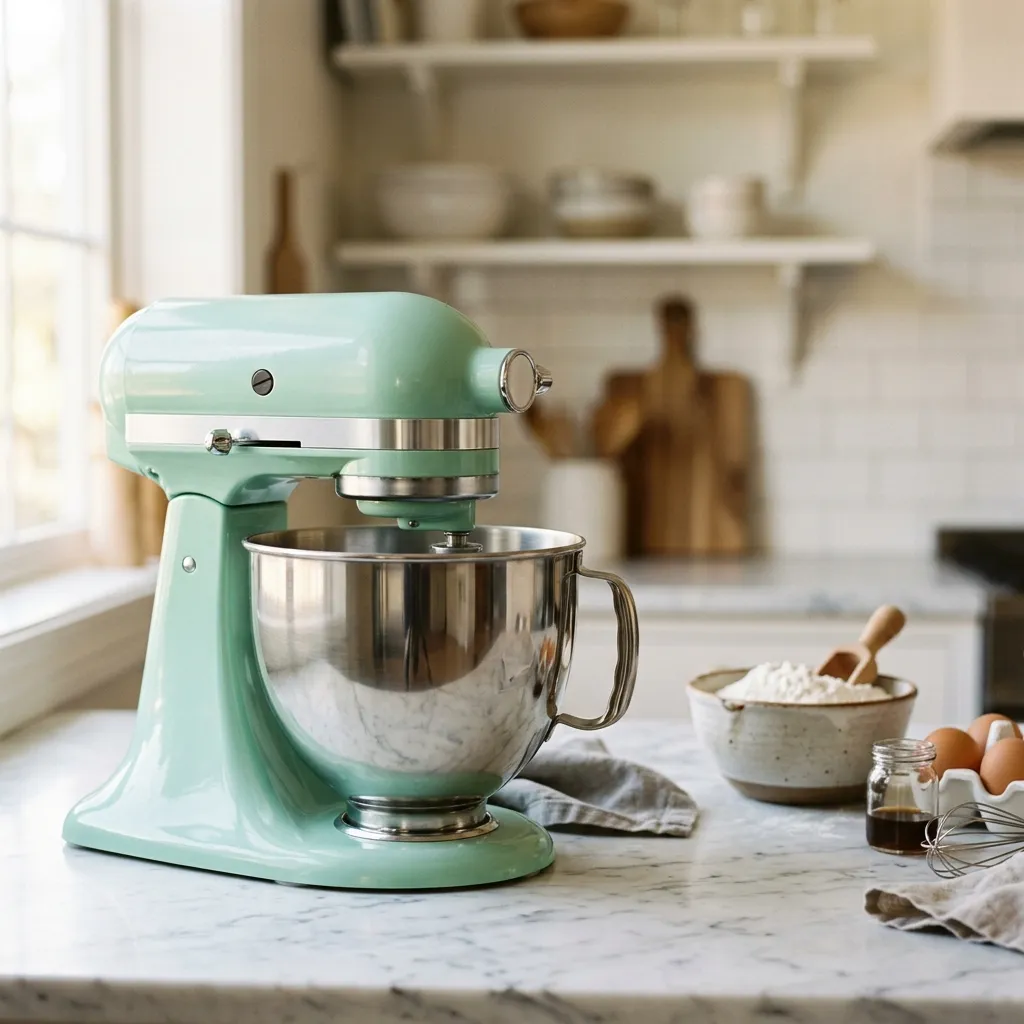
A board with three Renable renders in it, for illustration.
Tall, or invisible
Pinterest wants a 1000×1500 image on every product, taller and bigger than any other channel asks for. The square shot your Google feed carries does not reach it, and a pack shot on white looks like an ad on a board full of rooms and tables. Renable renders a 2:3 image per product from one template: the product cut out on a styled backdrop, or a generated staged scene. One design, every product, the right shape.
Your feed image
 1000×1000
The Renable render
CopperleafOn your side firstFour things Pinterest checks before it reads a catalog
A business account, a claimed website, the Pinterest tag on your store, and a site that meets the merchant guidelines: contact details people can find, a shipping policy, a refund policy. None of them live in Renable, and Pinterest accepts no catalog without all four.
The Verified Merchant Program is a different thing. It is optional, it earns a badge, and it has a higher bar: an older account, a site claimed for months, a catalog already coming in, recent sales. Get the catalog in first.
A badge, applied for separately once the catalog is coming in. Not needed to publish.
Pinterest reads your feed once a day
Every 24 hours, at a time you pick. No faster cycle, no button to fetch now. So a fix published at ten past nine is live after the next fetch, not before. Renable keeps the feed current at one address, so the fetch always finds it.
09:10
You publish
the fix is in the feed
14:00
Pinterest fetches
the time you picked
14:20
Pins update
next fetch, tomorrow 14:00
Pinterest reads product links up to 511 characters, a quarter of what Google allows. A long tracking string tips a link over it. A rule trims it on this channel only.
Five custom labels, each up to 511 characters, set by a rule from anything in your data. Season, margin band, best sellers. Pinterest reads them as they are.
“Why aren’t my products showing on Pinterest?”
Almost always one of four things, and Pinterest names none of them. Renable shows you the products and the field before the feed goes out, and Aimée drafts the fix on the Pinterest channel alone. You review it and publish. Your other channels are not touched.
The field hint as it appears on the Pinterest channel, for illustration.
Aimée
Are our images big enough for Pinterest?
No. Your feed images are 800×800, and Pinterest wants 1000×1500. I have bound the Pinterest image to your portrait template instead, rendered at 1000×1500 for every product. Your other channels keep the feed image.
Updated field · image_link
SetupA whole catalog in portrait, before the next fetch
Ask Aimée and she checks what Pinterest needs from your side, drafts a portrait template in your look, and wires a Pinterest channel with that render on every product. Nothing goes to Pinterest until you publish.
Publish and Renable hosts the feed at one stable address. Paste it into Pinterest once, pick the fetch time, and every day’s changes ride the next fetch.
Aimée
Get our catalog onto Pinterest.
Before Pinterest reads it
Business account, claimed website, Pinterest tag on the store, contact and policy pages.
All four are on your side. When they are done, here is what I build.
Drafted a portrait image template
Drafted a Pinterest channel
Renable builds the catalog and the images. Campaigns, budgets and bids stay in Pinterest Ads Manager, and Pinterest decides where a Pin shows and to whom. What Renable controls is that every product arrives tall, complete and current.
The Pinterest channel and the portrait renders are on every plan, priced per feed item. See pricing
Pinterest catalogs, answered
Do I need the Verified Merchant Program first?
Can I send a video for each product?
Can I keep the catalog I already have on Pinterest?
Does the feed say the images are AI-made?
How fast do changes reach Pinterest?
What does it cost?
Give every product a Pin worth saving
Connect your feed, pick a portrait template, and publish before tomorrow’s fetch. Free for 30 days.