SnapchatDynamic Ads that look like Snaps
The under-25 shopper your other channels barely touch, in the only shape Snapchat has. Renable renders a 9:16 image and video for every product, puts a real review on screen, and publishes the catalog Snapchat reads.
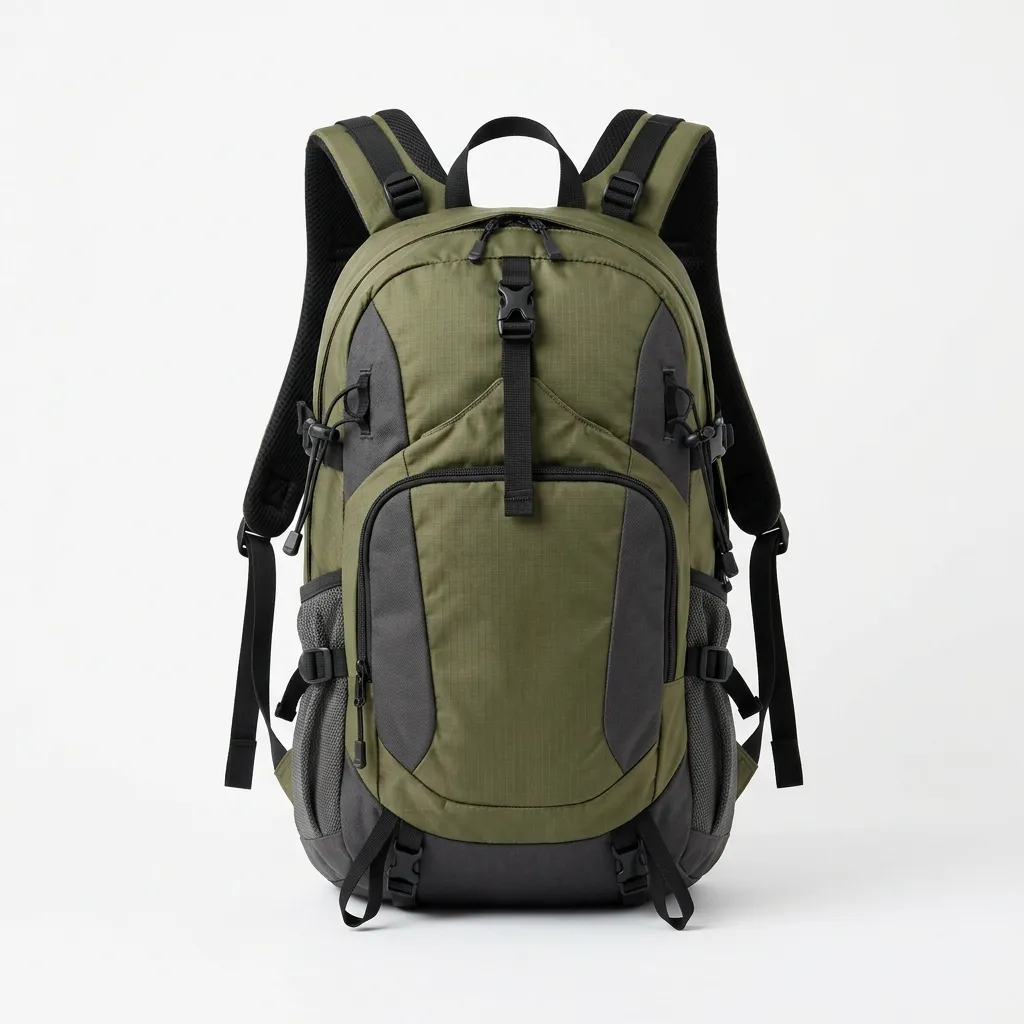
Carry the whole day
“A full day’s kit, and it still disappears on my back.”
$75Nothing square survives here
Snapchat runs Dynamic Ads in Stories, Spotlight and Discover, and all of it is 9:16. There is no square or landscape fallback. The creative you built for Meta gets cropped, and a pack shot on white reads as an ad the moment it appears.
 1080×1080
Your square creative, in a story slot
 Sportgear
Grip every mile
“Grippy on wet rock, and my feet stayed dry the whole loop.”
$89The 9:16 render, from one template
Design one story-shaped template and Renable renders it for every product, image and video, with the price, headline and best review quote bound from that product’s own data. Sizes, fonts and colors stay yours.
Two things before Dynamic Ads open
The catalog is the easy half. Snapchat opens Dynamic Ads to an account only once its pixel has matched 1,000 Snapchatters, and the pixel has to send the same product ids the feed uses. Both live on your store.
The Snap Pixel, sending your product ids
Page view, view content, add to cart and purchase, each carrying the product id. Snapchat matches those ids against your feed, so the two have to agree exactly.
1,000 matched Snapchatters
Dynamic Ads stay closed until pixel events have matched 1,000 Snapchatters. A brand new pixel needs some traffic first. The feed can be ready and waiting.
Snapchat’s specWhat goes in the feed, the way Snapchat reads it
Every product needs one of brand, GTIN or MPN. Renable fills brand with Generic where there is none, so no product drops out for a missing label.
Titles get cut on the ad, so Renable binds a short one. Up to 20 images ride along per product, more than any other channel takes. And the video field carries the rendered video. Snapchat plays it only when the ad template in Snapchat Ads Manager is set to automatic layout with video preferred. Otherwise the image shows.
sportgear.com · USD
Video plays when the ad template in Snapchat Ads Manager uses automatic layout with video preferred. Otherwise the image shows.
“Why do my Snapchat Dynamic Ads show no products?”
Snapchat’s catalog check is automated and terse. Renable names the products before the feed goes out, and Aimée drafts the fix. Here is what it usually is.
The warning as it appears on the channel, for illustration.
Aimée
Fix the 14. And Ads Manager says only 60 products matched. Why?
The 14 are backorder, which Snapchat has no value for. I’ve set them to available for order on this channel only. The matching is the pixel: it sends ids like TR300-42, and the feed sends TR300. I’ve drafted the id to match.
New rule · Product id for Snapchat
Writes the id the way the pixel sends it
When
Then
Otherwise
Publish, and after Snapchat’s next fetch the matched count in Ads Manager should climb.
SetupA client on Snapchat by Thursday’s demo
Paste the client’s feed URL and Aimée sets up the catalog, fills the brand rule, drafts a story-shaped image and video template in their look, and wires a Dynamic Ads channel with the video field on. Everything lands as a draft you review.
Publish and Renable hosts the feed at a stable URL. Paste it into Snapchat Ads Manager once, choose hourly or daily fetching there, and every update flows through on its own.
Aimée
Client wants Snapchat for their under-25 line. Feed: sportgear.com/feeds/products.xml. Demo Thursday.
Connected the feed
Drafted a 9:16 image and video template
Drafted a Snapchat Dynamic Ads channel
Renable builds the catalog and the creative. Snapchat Ads Manager runs the campaigns: audiences, budgets, the ad template and delivery stay there.
Renable is priced per feed item, and the Snapchat channel, the video and the review quotes are included on every plan. See the plans
Already running a Snapchat catalog from another tool? See how a switch works
Snapchat Dynamic Ads, answered
Why can’t I create Dynamic Ads yet?
My videos show as still images. Why?
Can I send Snapchat the feed I use for other channels?
Can I keep the Snapchat catalog I already have?
How fresh is the feed?
What does it cost?
Give every product a Snap
Connect a feed and render your first 9:16 ads today. Free for 30 days, on the 500-feed-item plan.